Showing posts with label photoshop. Show all posts

Wednesday, March 27, 2013

The Brain Drain


Here is another edited image made from public domain images, courtesy of The Graphics Fairy. This brain monster grows another antler for every person he hypnotizes to do his bidding. As you can see, he has been very busy growing those antlers. Watch your back when he is in town.

Tuesday, March 26, 2013

A Skull-eton and some antlers


Here are two pieces I edited as part of my practice using Photoshop. I found a fantastic blog that offers tons of free public domain images that can be downloaded and used for art. The author even encourages artists to send pictures of the art created with the images so they can be displayed. Check out graphicsfairy.blogspot.com to find some images for yourself. The first of my pieces is layered with multiple skeleton and skull images, using different opacity and blurring to de-emphezise some of them. The second was created with an images of antlers, inverted and textured, while adding color and rougher outlines. I am starting to get the hang of Photoshop's special effects, and really like the amount of choices I have at my fingertips for editing.

Monday, March 25, 2013

Twirled, Swirled and Mirrored


In this post, I wanted to show a before and after example of an image I photographed and then edited. There is a building in progress behind my apartment that looks really interesting when it is lit up at night. I thought this would be a good starting point to do some more experimenting with mirroring and twirling editing effects. This is the result of my efforts, which I may or may not keep, though it was fun to create, and gave me new ideas for future projects.

Thursday, March 14, 2013

Mirrored Forest Images


Here are two more mirrored forest photographs. The weather warmed up a bit today, so I was able to get some more photography done, without my fingers feeling like they were about to fall off. I am having a great time editing these images, and am using them as a way to practice using Photoshop. I almost have enough images cropped, altered, and ready to order prints of, so that they can be here in time for the art show next weekend.

Mirrored Forest


Here are some edited photographs I just finished, they were originally trees taken in the woods behind my parents' house. I mirrored the shots, then played around with the coloring until I got the effect I was looking for. I am really starting to get the hang of photoshop, as well as using my camera, and am really enjoying the pieces I can create with this new medium.

Tuesday, March 12, 2013

Abstract Planet Digital Art


I just finished creating this digital art piece in Photoshop. I stumbled across a few Photoshop tutorials online, since I am so new to the software. This was one of them, showing how to create a space scape. I used a painting that I had created with acrylic paint on paper, and changed the saturation. I then added a lens flare, shadow and glow to the planet to create the look. I am excited to create more pieces like this with Photoshop. I am always excited to learn to create in a new medium, and the more I learn, the more I realize that there is still so much I have yet to try. It is so exciting to have a passion that is practically endless with possibilities. It is overwhelming at times, trying to decide what to create next. I am just thankful to have so many supplies and time to do what I love most, create art.

Sunday, March 10, 2013

Edited Photographs


This photo was also taken on my new camera. It is a close up of a fur like pillow, showing the texture of the long hairs. I edited the photo in Photoshop, using the negative settings to add a more dramatic flair to the picture. I also inverted the photo to add more mystery as to what the image actually is.

Wednesday, November 28, 2012


This is my anatomical eyeball/body part painting, I just edited this one is photoshop as well. I really love all the options that are available to me in photoshop!


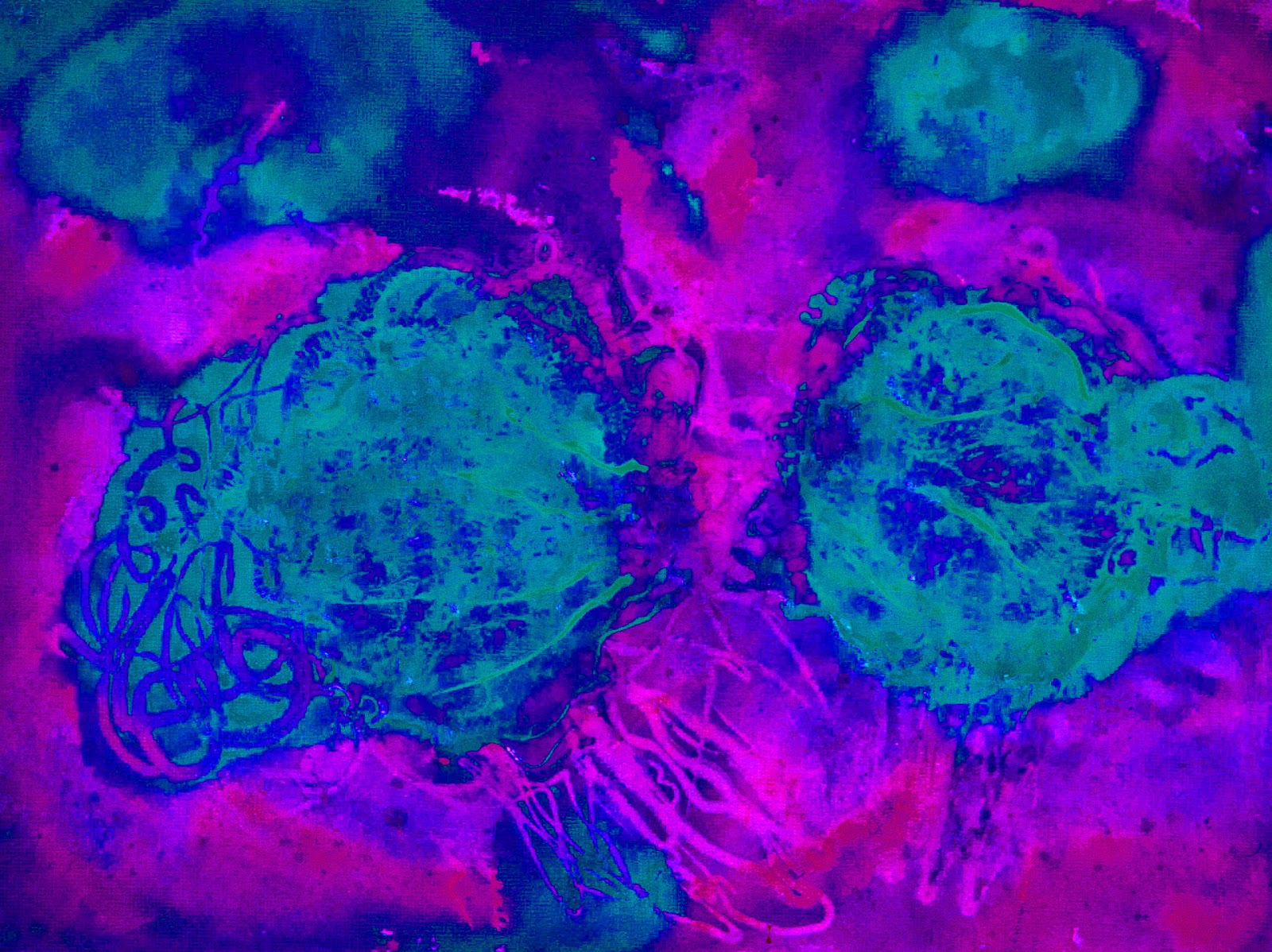
Here is another finished abstract acrylic painting I did and edited in photoshop. These are the options I came up with, I do enjoy their differences and am thinking of printing some of these too. Any preferences?

Here is another painting I altered hue-wise in photoshop. I am a fan of really intense visual stimulation, so bright colors are very enjoyable for me to look at. I was thinking of making prints of some of my work, and photoshop would be a great way to make different color pictures of my work. I love the many options that I can do to a finished painting. Just when I think I am running out of new things to do, a whole new art door opens. Stay tuned for more photoshop visuals.....